What's Included with DOT IT

DOT IT Team Illustration

STANDARDS-FIRST PACING GUIDES

State-Aligned Pacing Guides for All Grade Levels and Tested Content Areas

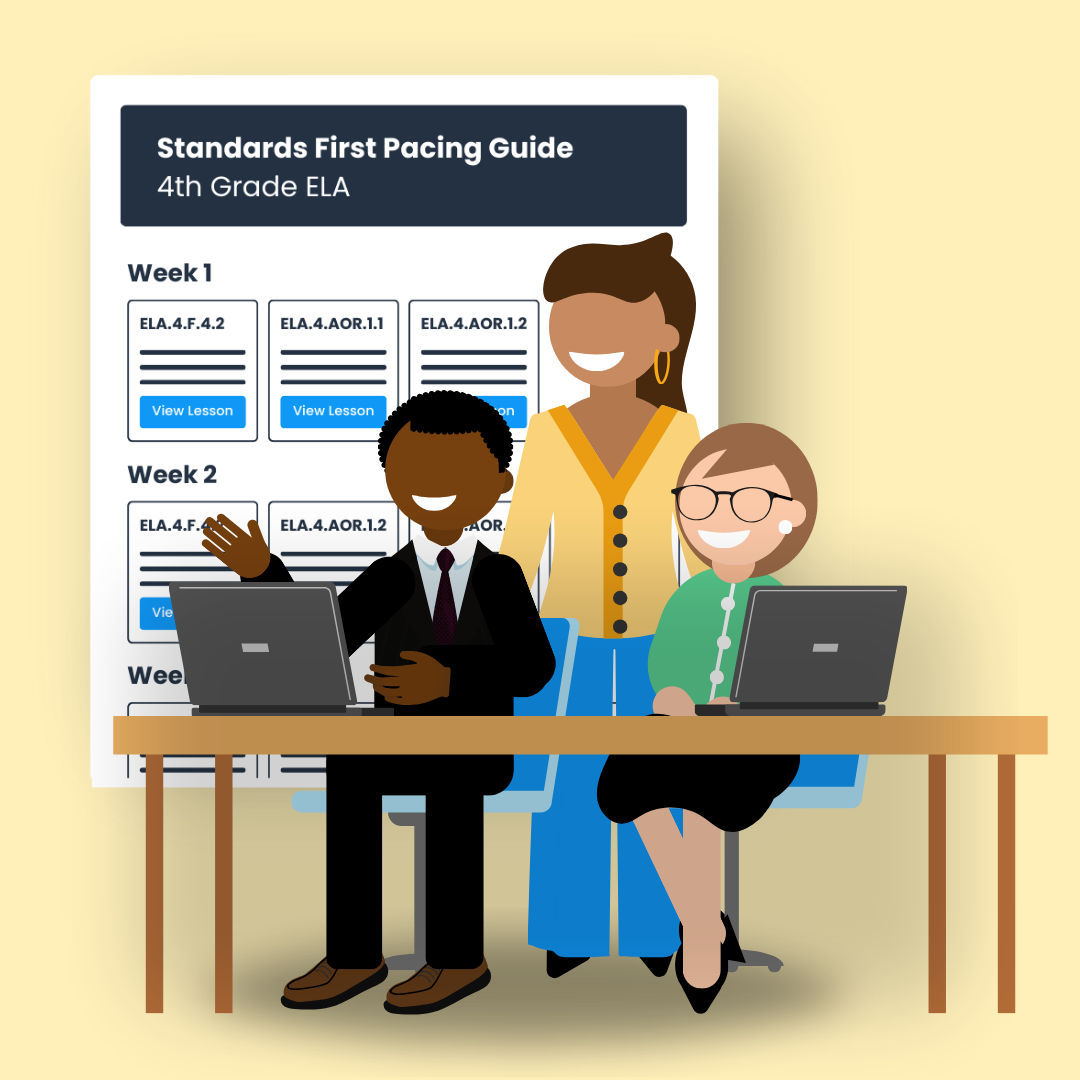
DOT IT builds pacing guides directly from your state's standards and official support documents. Every guide is organized around what each standard requires students to think and do — giving teachers a clear, consistent starting point for every lesson. Pacing guides are available for all grade levels and tested content areas.

DOT IT Team Illustration

STANDARDS-FIRST RESOURCES

Lesson Plans, Student Activities, and Quizzes for Every Standard

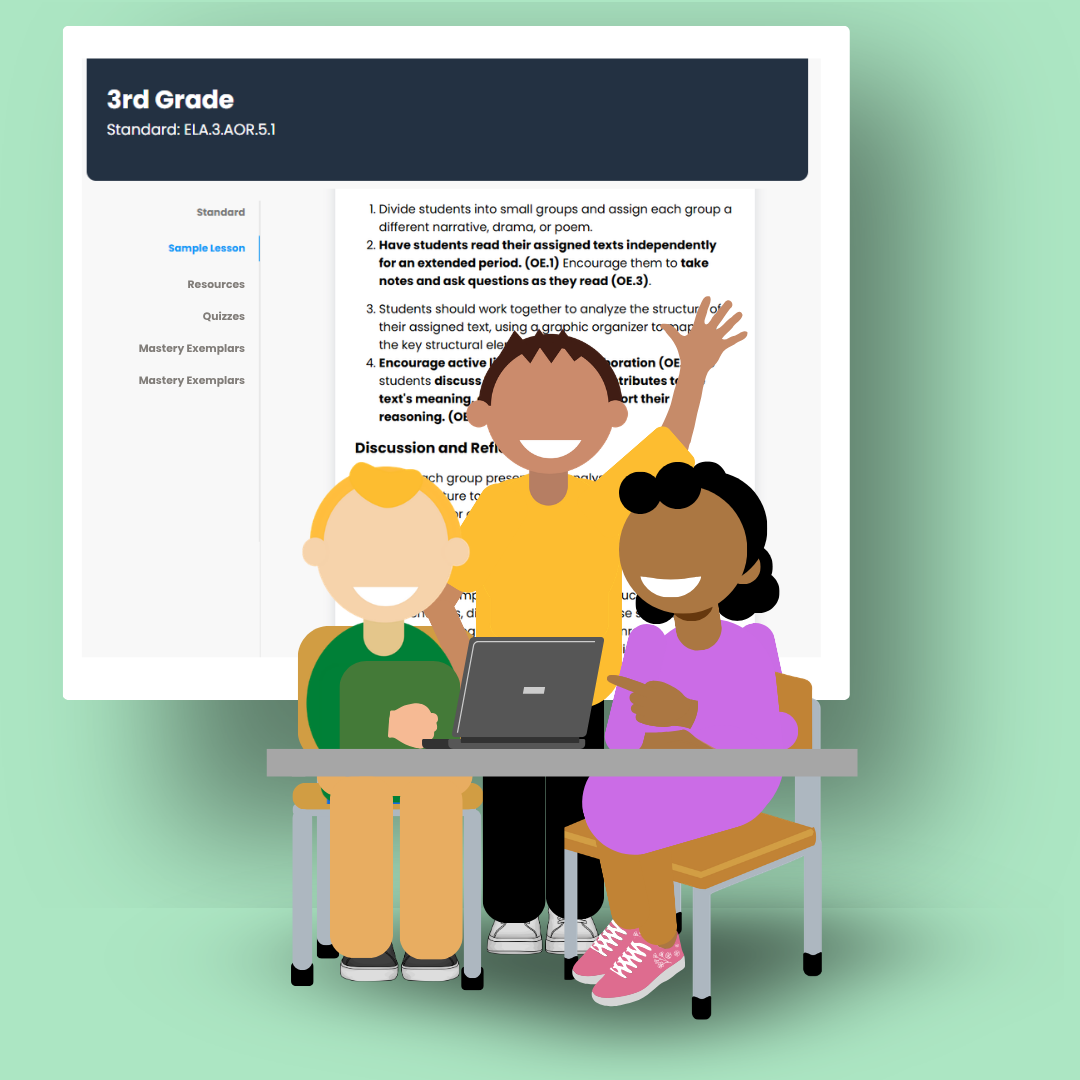
Each standard includes a complete set of ready-to-use resources — a structured lesson plan, student-facing activities, and a summative quiz aligned to the cognitive level of that standard. Resources are organized within each standard card under clearly labeled tabs: Standard, Sample Lesson, Resource, Mastery Exemplars, Quiz, and Lesson Slides.

DOT IT Team Illustration

STANDARDS-FIRST DASHBOARDS

Admin Dashboard — Weekly Usage and Progress Data

District and school leaders have access to an admin dashboard that reports teacher login activity, student assignment completion, quiz usage levels, and average summative quiz results by grade level and content area. The dashboard updates weekly, giving leaders clear, current data on standards practice across their schools.

DOT IT Team Illustration

STANDARDS-FIRST MTSS & IEP IMPLEMENTATION

Planning, Practice, and Progress Monitoring Tools for MTSS and Special Education

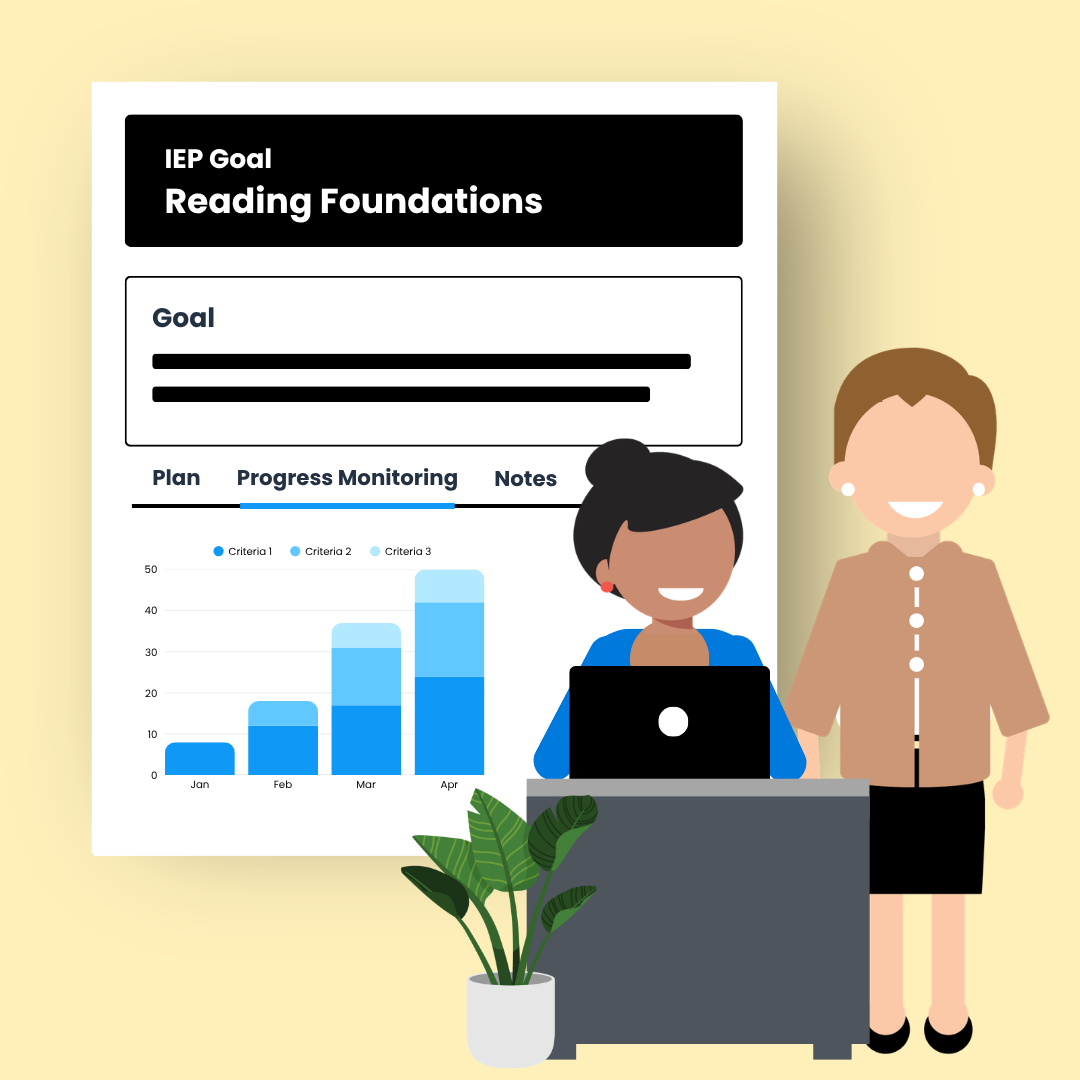
DOT IT includes built-in tools to support MTSS and IEP implementation. Teachers can plan standards-based teaching at differentiated cognitive levels, assign targeted student practice, and monitor progress — all within the same platform used for whole-class teaching. Every student has access to the standard with the level of support they need to reach it.

DOT IT Team Illustration

STANDARDS-FIRST LEADERSHIP & COACHING DOCUMENTATION

Teamwork Tools — Leadership and Coaching Documentation

The DOT IT Teamwork tools give school and district leaders a dedicated space to document their work making standards the center of every classroom. Leaders capture their school message, log teacher mentoring activity with dates and standards, and set monitoring goals tied to quiz data and accountability check-ins. Teamwork entries are organized around three deliverables: Message, Mentor, and Monitor.

DOT IT Team Illustration

CONTINUOUS SUPPORT

24/7 Help Desk Access

All DOT IT users have 24/7 access to the DOT IT Help Desk. Support is available whenever it is needed.

DOT IT Online Tutorials

A full library of online tutorials is available inside the platform. Tutorials cover every major feature of DOT IT so teachers and leaders can move forward confidently at their own pace.

Quarterly Meetings with a DOT IT Success Manager

Each district receives quarterly meetings with a dedicated DOT IT success manager. These sessions are focused on planning and implementation — reviewing usage data, addressing questions, and preparing for upcoming content areas and grade levels so districts stay on track all year.